Find our bus.
For a teacher, a tour guide, a coach driver: one link at the bus, and at the meeting time every phone points to it.
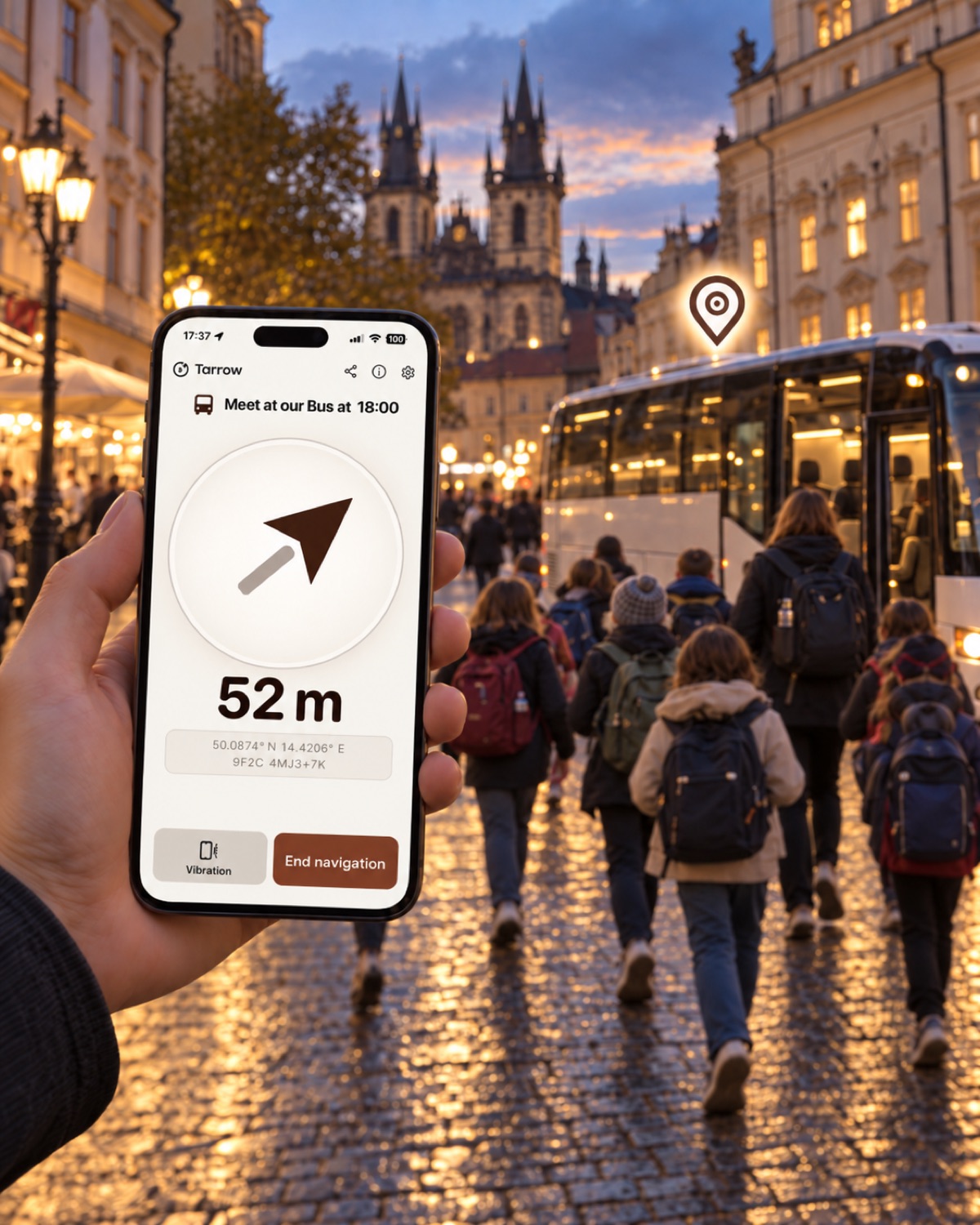
What happens
You stand at the bus and make one link. The link carries the bus's exact position and the meeting time. Whoever opens it, on any phone, sees an arrow to the bus and how far away it is, and turns until the arrow points ahead. Nobody installs anything, nobody signs in, nothing is stored anywhere.
Three steps
- At the bus: make the link. Open tarrow.dev/pin on your phone, tap Use my location, allow location for the page. The name "Our bus" is already there. Under Valid until choose Pick a time and set the departure, so a pupil who opens the link tomorrow sees that it is over.
- Hand it out. Tap Share ↗ or Copy link and post it in the class group. For the pupils without a phone number in the group, the page also shows the link as a QR code: hold the phone up at boarding, they scan it.
- At the meeting time. Everyone opens the link, taps Start compass, allows location and motion, holds the phone flat and walks the way the arrow points. The distance counts down; at the bus it says so.
The message for the group
Paste this with the link:
Our bus is here: [link]. At 18:00 open it, tap Start compass, hold the phone flat and follow the arrow.
Good to know
- The arrow points straight at the bus, not along the streets. It says where, the pavement says how.
- If the bus moves during the day, make a new link at the new spot and post it again. A link is a place, not a vehicle.
- The link works without mobile data once it has loaded, and it needs no account on either side.
- Indoors or in a bus station under a roof the phone may take a minute to find its position; outside it is seconds.
Tell us how it went
This page is part of a small experiment: does a class find its bus without anyone explaining Tarrow? Two lines to hello@tarrow.dev help more than any feature request: did the pupils open the link without help, and did anyone ask what this is.